Customer & partner portals · Swiss SMEs
Your customer portal.Connected to your ERP.
Orders, documents, status and approvals in one place. We build customer and partner portals with the right roles and data from your existing systems.
30 minutes · free initial call
Delivered client project · Ateliermaxx
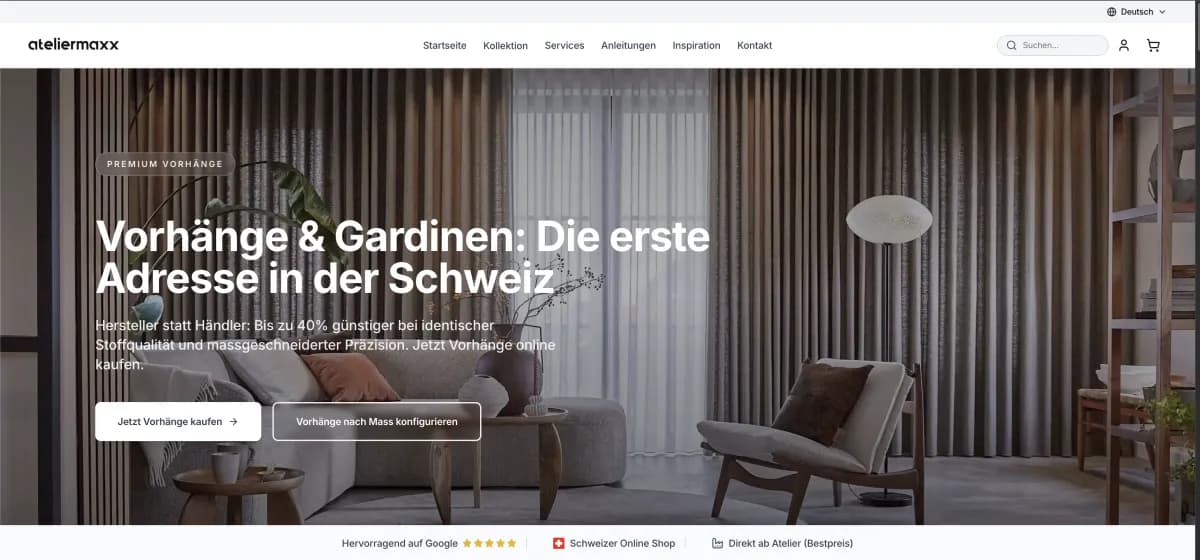
The service
What you receive
A portal with tested access boundaries and connected order or document workflows.
- Customer and partner access with roles and organisation boundaries
- Orders, repeat purchases and customer-specific terms
- Documents, order status and approvals through self-service
- ERP and CRM integration with defined data ownership
- Configurators connected to internal workflows or production
- Usable interfaces on desktop and mobile devices
Tools and platforms
- A fit when
- Customers and partners need to complete recurring tasks themselves.
- Result
- A portal with tested access boundaries and connected order or document workflows.
- Starting point
- Fixofferte nach Scoping
Portal workflow we built · Ateliermaxx
From configurator through partner portal to production
Ateliermaxx connects a live configurator to a B2B ordering portal for partners. Configuration data goes directly into the production order without manual transfers.
View portal referencesCustomer evidence · Live project and approved reference data · Ateliermaxx
Ateliermaxx
Configurator → B2B portal → production
- Live configurator with real-time price
- B2B partner order portal
- Configuration into production orders
What this evidence demonstrates
Internal portal access, terms and production data remain protected.
Working together
How the project works
From a clear goal to a result you can verify.
- 01
Define tasks & roles
We define what customers, partners and internal staff can do in the portal and which systems supply the data.
- 02
Build the portal workflow
We build a complete first flow, such as ordering, document access or approval, and review it with the intended users.
- 03
Connect systems securely
Data mapping, organisation boundaries, permissions and feedback are tested together with the integrations.
- 04
Launch & hand over
Your team receives administration tools, documentation and an introduction. Monitoring and technical support are agreed before launch.
Good to know
Frequently asked questions
How does a portal differ from an online shop?
Can different companies use the same platform?
Can you connect our existing ERP?
Explore further
Relevant next steps
Let’s discuss your process
A clear next step.
Direct contact with the senior team · no obligation